Elevation models that need rework
Public elevation models arrive as geotiff tiles or raw clouds: they must be assembled, filtered, then run through contour computation in a GIS.
Pick the parcel and the interval: GeoAlt computes contours on the real relief and exports them as DXF 3D, elevations included.
Contour lines turn relief into CAD-usable lines: every polyline carries its elevation, and the plan becomes readable for an earthworks contractor as for an architect. GeoAlt computes them on demand from IGN elevation models and delivers them as DXF 3D.
Public elevation models arrive as geotiff tiles or raw clouds: they must be assembled, filtered, then run through contour computation in a GIS.
A DXF whose polylines are flat (Z = 0) forces manual elevation entry: the file loses its CAD value.
Flat or steep ground, study or execution: the useful interval changes. An export locked to one value does not fit every use.
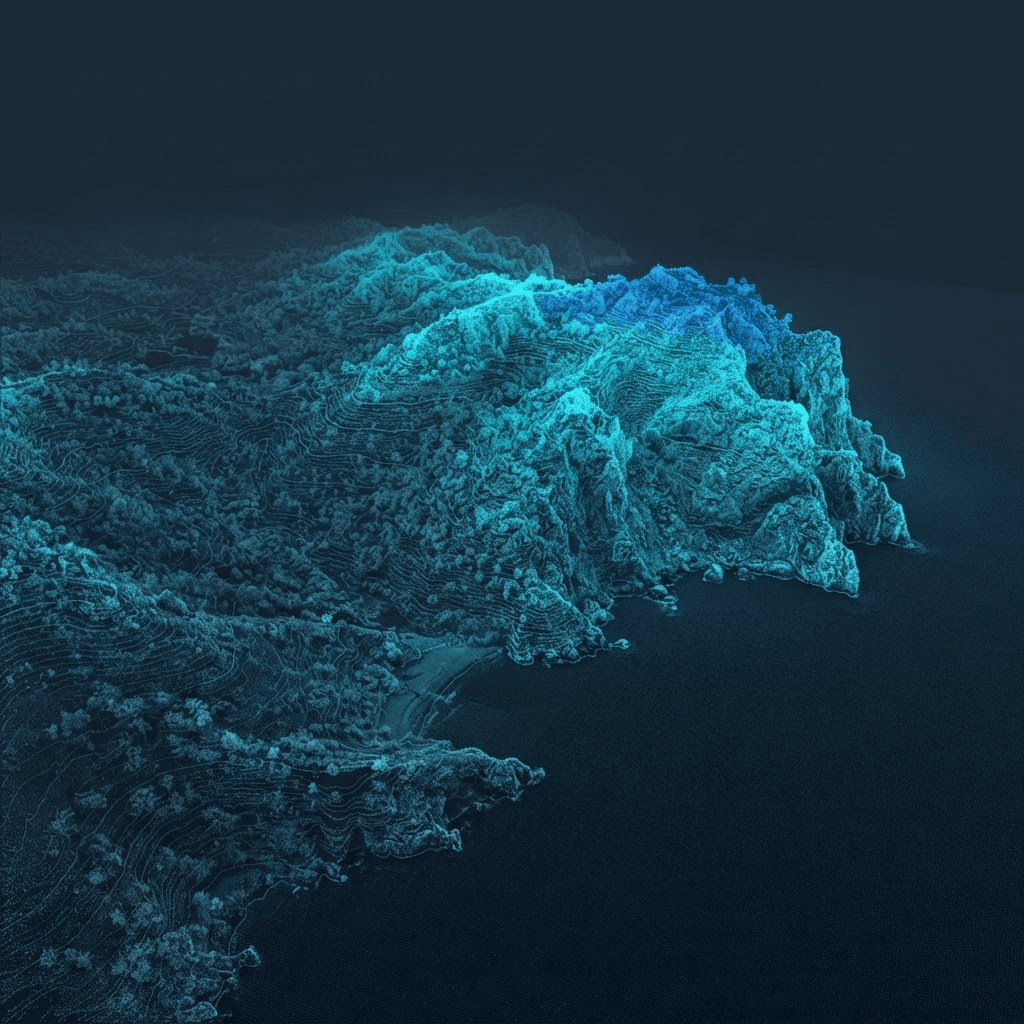
The public demo computes contour lines on a real parcel and shows the resulting DXF export.
Open the demoYes: standard 3D polylines, Lambert 93 coordinates, elevations in metres. The file also opens in BricsCAD, QGIS and most DXF viewers.
0.25 to 0.50 m for flat ground or a platform, 1 m for rolling terrain, 2 to 5 m for a slope. The preview lets you judge before exporting.
Your choice: LiDAR class filtering gives a ground model (ground only) or a surface model (ground, buildings, vegetation).
Yes: the DXF imports into SketchUp Pro, and the Sandbox “From Contours” tool builds the 3D terrain from the polylines.
Enter a cadastral reference, choose the interval, preview, then export the DXF.
Open the application